
Waresport
Built for Gyms & Academies

Gymnastics Management Software Built for the 4 PM Rush

At 4 PM, preschool ends, rec classes fill, team practice starts, coaches rotate apparatus, and parents ask about makeups. Waresport Gymnastics Management Software keeps the whole gym moving.

Start for Free

Trusted by real clubs using Waresport

Vision VB
Vero Elite
Evolution
Lab Basketball
Katy Sports
Georgia Dance
Push1 VB
NC Esports
Rising Wickets
Texoma Thunder
Naples Beach
H20 Broadcast
CrickeTours
UC Davis
Force VB
Vision VB
Vero Elite
Evolution
Lab Basketball
Katy Sports
Georgia Dance
Push1 VB
NC Esports
Rising Wickets
Texoma Thunder
Naples Beach
H20 Broadcast
CrickeTours
UC Davis
Force VB
Process

From First Enrollment to the Next Level

Gymnastics is not a simple schedule. Every class has a level, capacity, coach, apparatus plan, tuition rule, and progression path that needs to stay connected.

01

Enroll by Level

Open preschool, recreational, tumbling, Xcel, team, and ninja programs with capacity rules, waitlists, age requirements, waivers, sibling details, and tuition attached from the start.

02

Build the Class Grid

Use gymnastics class management software to place groups around coach availability, floor space, vault, bars, beam, tumble track, trampoline, and recurring session needs.

03

Assign Coaches

Match instructors to real classes, track availability and working hours, and keep coaching responsibilities visible across recreational, team, camp, and private-session schedules.

04

Track the Skills

Record USAG Levels 1-10 and Xcel Bronze-through-Diamond progress by apparatus as coaches teach, giving staff and families a visible path from current skills to advancement.

05

Run Tuition & Makeups

Connect recurring tuition, annual fees, sibling discounts, prorated starts, failed-payment follow-up, absences, makeup eligibility, and replacement-class capacity to the same family record.

06

Prep the Meet

Keep competitive rosters, meet entries, fees, travel details, coach assignments, insurance documentation, and parent updates connected before the team leaves the gym.

Formats

One Gym Can Run Six Programs Before Dinner

A preschool class, Xcel practice, private lesson, birthday party, and competitive team can share the same building without sharing the same operating rules.

Preschool Gymnastics

Manage short-duration classes, age-based capacity, guardian records, recurring tuition, waitlists, and parent reminders with gymnastics class management software.

Recreational Classes

Run beginner-to-advanced classes with level placement, recurring enrollment, attendance, skill progress, makeups, and rolling tuition across the weekly calendar.

USAG & Xcel Teams

Track competitive rosters, level-specific skills, practice schedules, meet entries, fees, coach assignments, travel information, and development history in one workflow.

Tumbling & Ninja

Schedule specialty classes against floor, tumble-track, trampoline, or course availability without forcing those programs into the same rules as artistic gymnastics.

Private Lessons

Let families book available coaches, choose session times, pay online, and keep one-to-one coaching records tied to the gymnast profile.

Camps & Parties

Handle summer camps, holiday clinics, birthday bookings, deposits, capacity caps, add-ons, and reminders without creating a separate events calendar.

Case Studies

Clubs Already Running On Waresport

Real programs running memberships, bookings, and payments on Waresport, the same operational backbone clubs across every sport rely on all season.

EyeCan Athletics

Multi-Sport

65%

Fewer outstanding payments

EyeCan Athletics ยท Texas

EyeCan Athletics, Texas

Challenge

A 150+ athlete youth program ran 30+ weekly sessions while schedule changes, dues, coaching bookings, and parent communication moved through separate channels.

Solution

Waresport centralized classes and tournaments, one-to-one coaching bookings, automated payments, calendar sync, bulk communication, and a branded family app.

Impact

Outstanding payments dropped 65%, coaching session bookings tripled, 95% of families synced calendars, and admins recovered more than eight hours of weekly follow-up.
Read Case Study

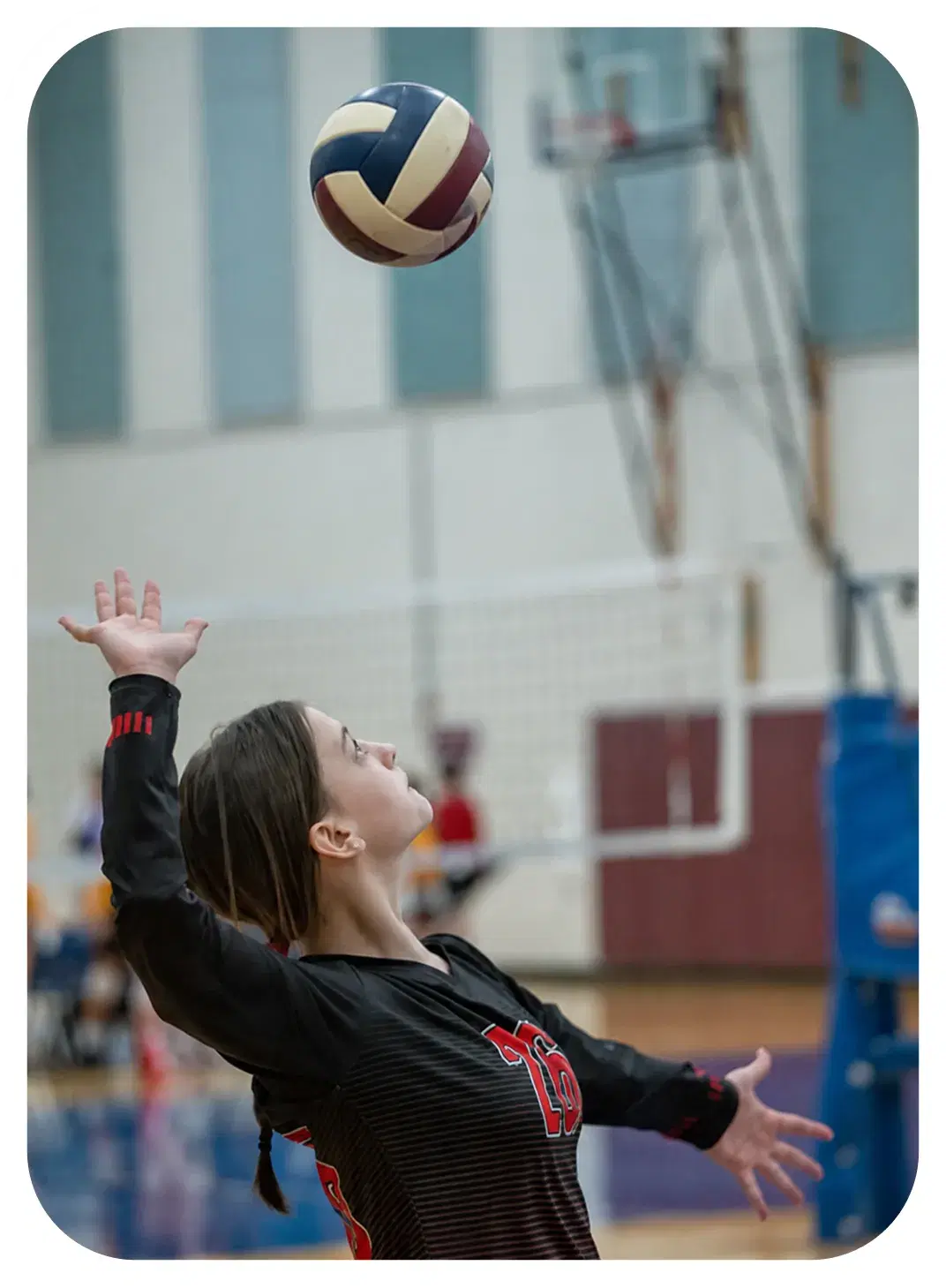
Vision Volleyball, Atlanta, Georgia

Challenge

A multi-age-group competitive club lacked structured practice planning, shared drills, centralized facility scheduling, and one reliable way to keep families current.

Solution

Waresport brought lesson planning, player-development goals, reusable drills, practice times, facility bookings, and automatic family updates into one platform.

Impact

Vision reported a 105% improvement in ease of sports management, while coaches gained a more consistent development workflow and parents received clearer schedule visibility.

Read Case Study
Vision Volleyball

Volleyball

105%

Ease of sports management

Vision Volleyball ยท Atlanta, GA

Outcomes

What Gets Easier When Classes, Skills, and Tuition Share One Record

The biggest gains appear between the systems gyms usually separate: enrollment and billing, coaching and progression, attendance and makeups, or classes and staff coverage.

01

Cleaner Class Rosters

Gymnastics club management software keeps enrollment, level, guardian data, tuition status, waitlists, attendance, and transfers connected instead of forcing front-desk reconciliation.

02

Visible Skill Progress

Coaches can update USAG and Xcel progress by apparatus during practice, giving families a clearer reason for advancement decisions and reducing repeated front-desk questions.

03

Fewer Makeup Headaches

Absences, eligible replacements, class capacity, and expiring makeup credits stay connected to the class grid rather than living in texts and notebooks.

04

Reliable Tuition Runs

Gym membership management software keeps recurring tuition, annual fees, sibling discounts, prorating, failed payments, stored payment methods, and family balances tied to one account.

05

Better Staff Coverage

Gym staff management software aligns coach availability, assigned classes, session hours, permissions, blackout dates, and coverage gaps with the schedule already running the gym.

06

Calmer Parent Updates

Closures, meet changes, tuition reminders, leotard deadlines, makeup notices, and class updates can reach the right families without another manual message chain.

Scale

Growth Adds Classes Before It Adds Floor Space

A gymnastics business usually grows by adding classes, coaches, levels, camps, and team programs before it adds another building. The operating system has to absorb that complexity first.

Single-Location Gyms

Use gymnastics club software for classes, tuition, skills, makeups, camps, parties, staff, and parent communication without adding a separate tool for each program.

Competitive Academies

Coordinate recreational enrollment, USAG or Xcel teams, private coaching, Development Program activity, meets, travel, and higher-frequency training in one environment.

Multi-Program Facilities

Use Gym Management Software to run gymnastics, tumbling, ninja, open gym, camps, and parties while keeping rooms, apparatus, staff, memberships, billing, and schedules separated correctly.

Multi-Location Operators

Standardize class structures, tuition, staff permissions, communication, and reporting across locations while each gym keeps its own capacity, schedule, and operating rules.

Roles

The Same Gym Looks Different From Every Desk

Owners watch enrollment and revenue. Coaches watch skills. Front-desk teams watch class capacity. Parents watch one gymnast. Each role needs a different view of the same operation.

Gym Owners

See enrollment, tuition, class fill, retention signals, staff coverage, programs, meet activity, and facility use without rebuilding the business from separate reports.

Front Desk

Handle transfers, makeups, payments, family records, waitlists, class availability, closures, party bookings, and parent questions from one current operational view.

Coaches

Check rosters, lesson plans, skill grids, attendance, apparatus goals, athlete notes, and upcoming meets from the same system used to schedule their sessions.

Parents

Enroll siblings, pay tuition, view balances, request makeups, follow schedules, see skill progress, RSVP to meets, and message the gym from one family account.

Guide

Six Rules to Set Before Enrollment Opens

Most gymnastics admin problems start with an unclear policy and become a software problem later. Decide these six things before families begin choosing classes.

  1. 1

    Define Level Paths

    Set how preschool, recreational, tumbling, ninja, Xcel, team, and specialty programs progress so families understand what comes after the current class.

  2. 2

    Set Class Capacity

    Decide gymnast-to-coach ratios, age limits, apparatus needs, waitlist rules, and transfer limits before the first class fills.

  3. 3

    Map Apparatus & Staff

    Reserve vault, bars, beam, floor, tumble track, trampoline, and shared spaces while matching coaches by level, availability, certifications, and blackout dates.

  4. 4

    Build Tuition Logic

    Lock monthly rates, annual fees, sibling discounts, multi-class discounts, prorating, autopay timing, and failed-payment rules before billing begins.

  5. 5

    Write Makeup Rules

    Define which absences qualify, how long credits remain valid, and which replacement classes families can request without manual exceptions.

  6. 6

    Separate Meet Ops

    Set team-entry, meet-fee, travel, coach-assignment, insurance, leotard-deadline, and parent-update workflows before competition season starts.

Comparison

When the Front Desk Becomes the Integration Layer

One system holds classes, another charges tuition, coaches track skills elsewhere, and parents text for makeups. The front desk ends up translating between all of them.

Where the patchwork breaks

Enrollment Stops at Signup

The registration system knows who enrolled, but not whether tuition cleared, the class is full, a sibling discount applies, or a transfer is pending.

Skills Live With Coaches

USAG, Xcel, and recreational progress sits in notebooks or private sheets, leaving parents and other coaches without one current development record.

Makeups Become Manual

Absences arrive by text, replacement classes are checked by hand, and front-desk staff become the only people who know which credits are still valid.

What changes with Waresport

Enrollment to Tuition

Gymnastics class management software keeps class placement, waitlists, recurring tuition, discounts, attendance, transfers, and family balances connected from the first enrollment.

Skills to Progression

Gymnastics Management Software keeps USAG and Xcel skill tracking attached to the gymnast, coach, class, and apparatus where development actually happens.

Makeups to Capacity

Gym class booking software connects missed classes, eligible replacements, open spaces, and makeup credits instead of relying on front-desk memory.

FAQ

Frequently Asked Questions

Run The Whole Program From One Login

Book a demo to see registration, scheduling, and tournaments running in one place, or start free and set it up this week.

See Pricing